
Getting started: tour and first steps
The welcome dialog explains the approach, the tour shows the real interface, the first-steps list walks you through the first tasks.
Who this is for:
All users
2 min readUpdated: 02/09/2026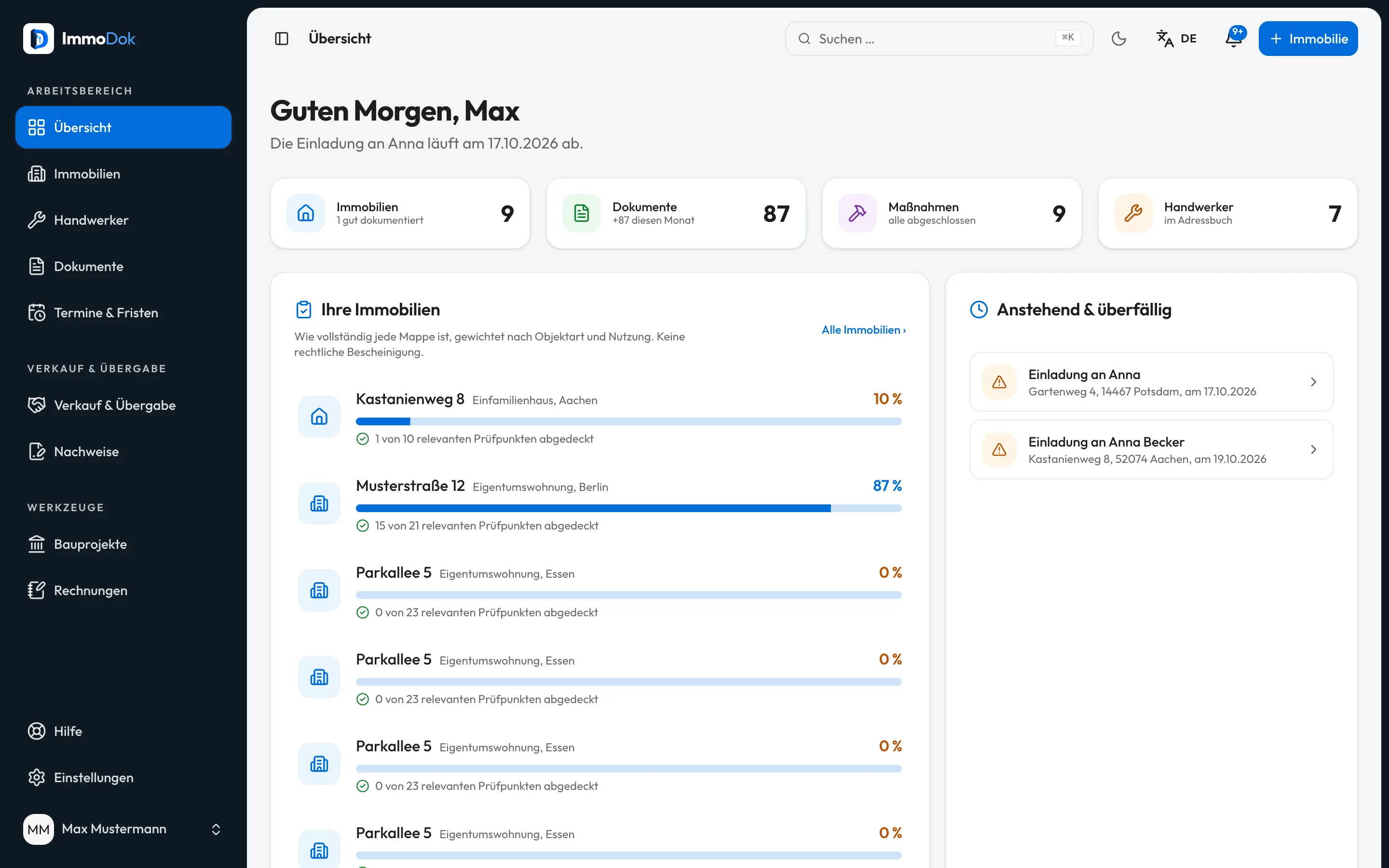
Step by step
- On your first visit the welcome dialog asks for your role, owning, letting, selling, developing or managing, and shows the matching steps.The choice only tailors the explanation, never permissions
- Start the tour: it highlights the real controls and leads from the overview to the sales area.Any time via the user menu: "Start tour"
- Work through the first-steps list on the overview. Every item opens exactly the place where it is completed.Six items, from creating to the first deadline
- Hide the list once you no longer need it, and bring it back any time via the user menu."Show first steps" in the user menu
The result: You know where documents, jobs, sharing and the handover live, and the overview shows real numbers instead of empty tiles.
Open in the product
What if it does not work?
- The tour cannot find an element.
- On narrow screens the navigation sits in a collapsible menu; the tour skips hidden elements. On a desktop it shows every stop.
- The welcome dialog does not come back.
- It appears once per account. Its content lives here in the help centre; restart the tour from the user menu.