
Maintaining master data and completeness
Living area, year built, cadastral details: well-kept master data makes the file dependable, the completeness indicator shows what is still missing.
Who this is for:
Owners
Editors
2 min readUpdated: 02/09/2026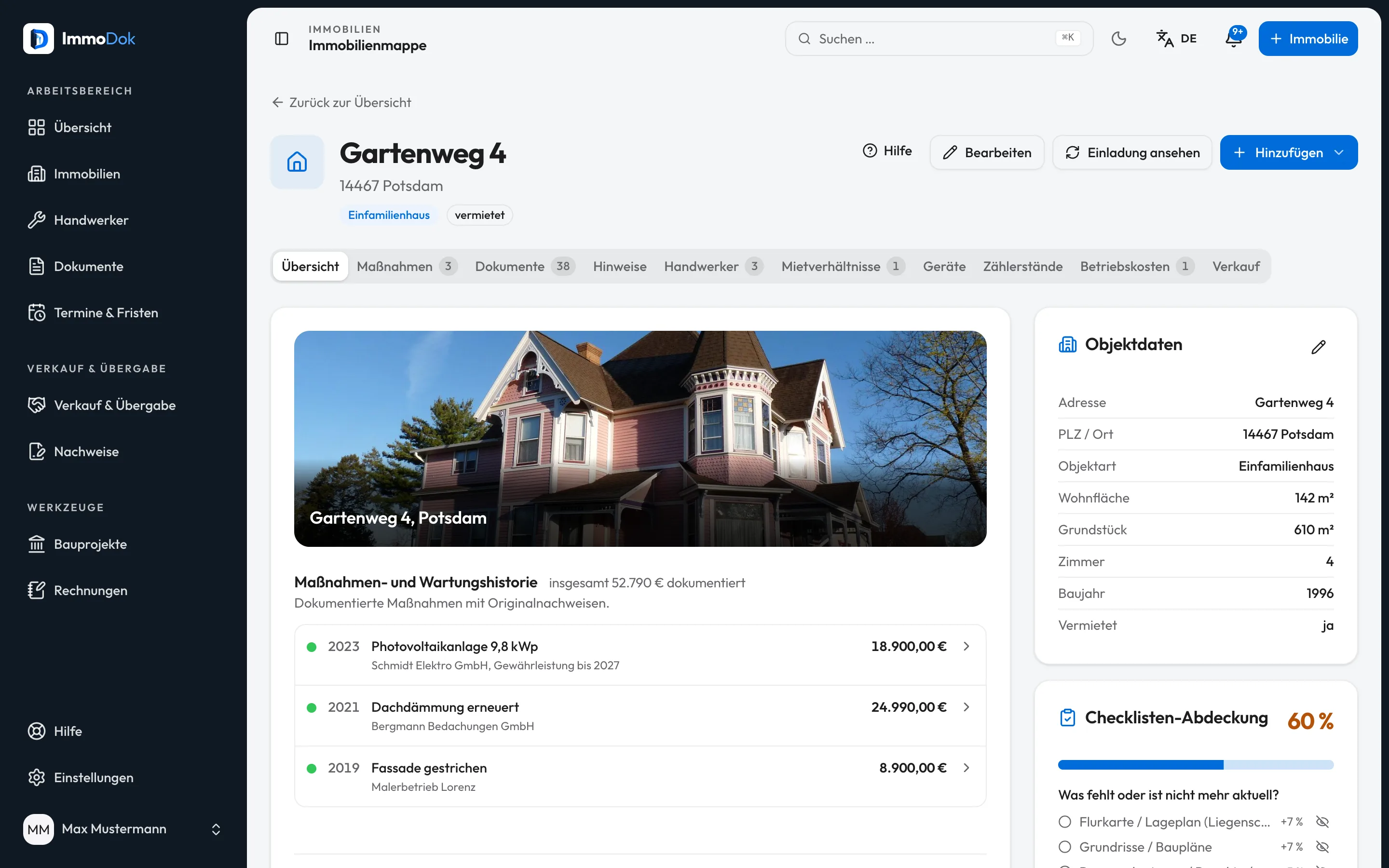
Step by step
- Open the property and choose "Edit".Holders and editors only
- Complete living area, year built, rooms and, where applicable, plot area and rental status.The figures appear in the file and the PDF
- Enter the cadastral details: Gemarkung, Flur, Flurstück, land registry office and land register sheet.Found in the land register extract
- Use the cadastre lookup where it is offered, it prefills parcel data from official services.Not available in every federal state
- Check the completeness indicator: it follows a catalogue of the papers usually needed for sale, bank and notary.Every open item is linked
The result: A file whose figures and designations match the land register extract, and a completeness indicator that says honestly what is still missing.
Open in the product
What if it does not work?
- The cadastre lookup finds nothing.
- Not every federal state offers an openly queryable service. In that case enter the details by hand from the land register extract.
- Completeness does not rise.
- The indicator counts document types, not file quantities. Check the sales-area checklist to see which type is actually missing.