
Notary data sheet and financing package
Compiled from the folder: a PDF with the details for the notary and a ZIP with the documents banks ask for when financing.
Who this is for:
Owners
Buyers
2 min readUpdated: 21/09/2026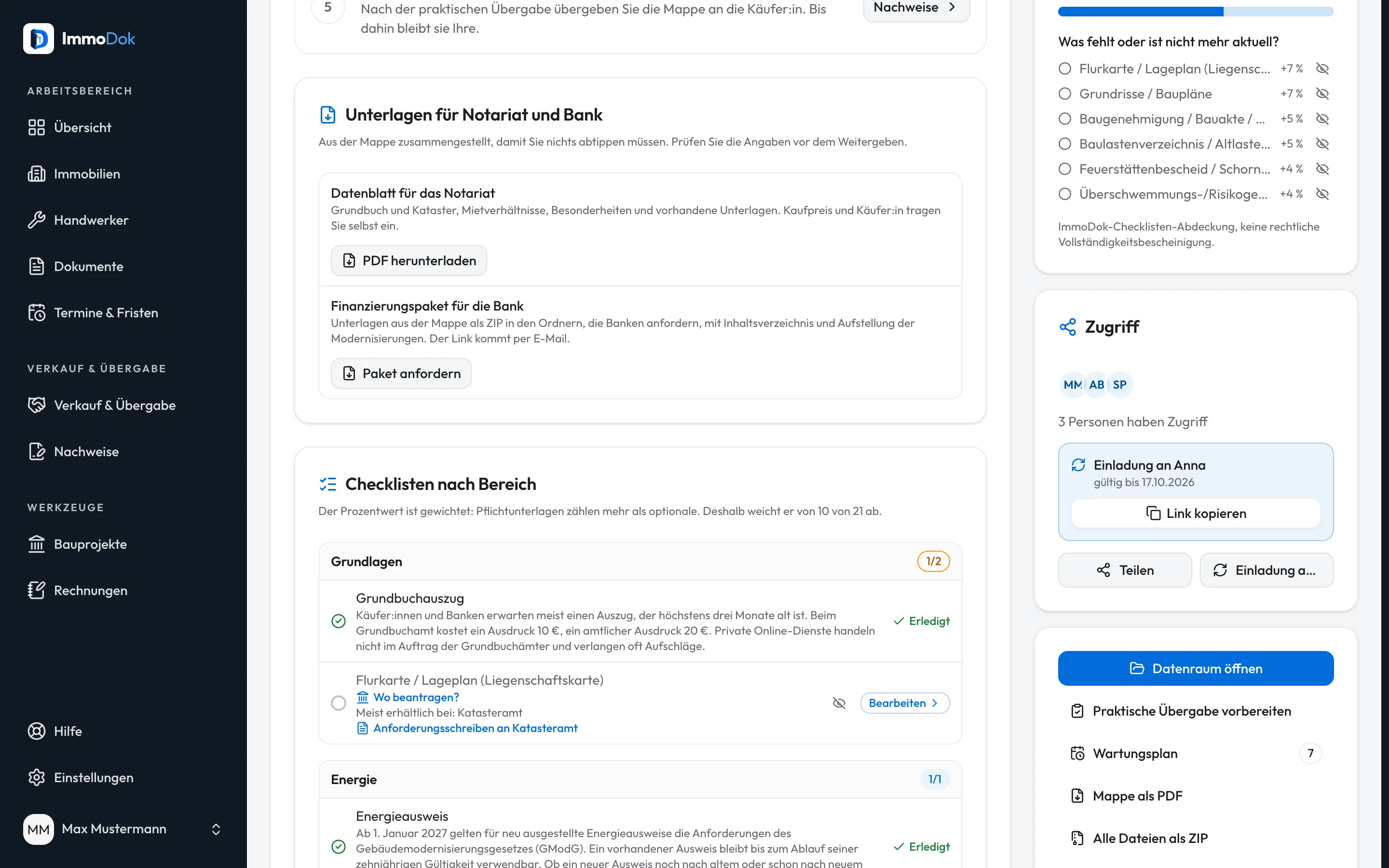
Step by step
- In the property, open the “Sale” tab and its documents for notary and bank.For the selling side
- Download the “Data sheet for the notary” as a PDF: land register and cadastre, tenancies, special features and available documents.You add price and buyer yourself
- Request the “Financing package for the bank”: the documents are bundled into a ZIP in folders, with a table of contents and a list of modernisations.Buyers too, after a paid handover
- The link to the package arrives by e-mail and is valid for a few days.The package is built in the background
The result: Notary and bank get ordered documents from one source instead of single files from e-mails.
Important: Check the details before passing them on. The data sheet does not replace a draft purchase contract; the notary prepares that.
Open in the product
What if it does not work?
- No e-mail arrives after the request.
- The package is built in the background. A second request shortly after does not start a new package; wait for the e-mail and check your spam folder too.
Related guides
Setting up a buyer data roomProspective buyers first see a summary; full access follows only after the confirmed takeover, every step is logged.Preparing a handoverSet appointment, place and participants and outline the scope, the shared basis for the handover appointment.Exporting the property folder as PDF or ZIPFor bank, notary or your own records: the whole file as a tidy PDF or as a ZIP with every original file.