
Recording a tenancy
Tenant, unit, rent, service charges and deposit in one place, plus the landlord confirmation (Wohnungsgeberbestätigung) as a PDF.
Who this is for:
Owners
Editors
2 min readUpdated: 21/09/2026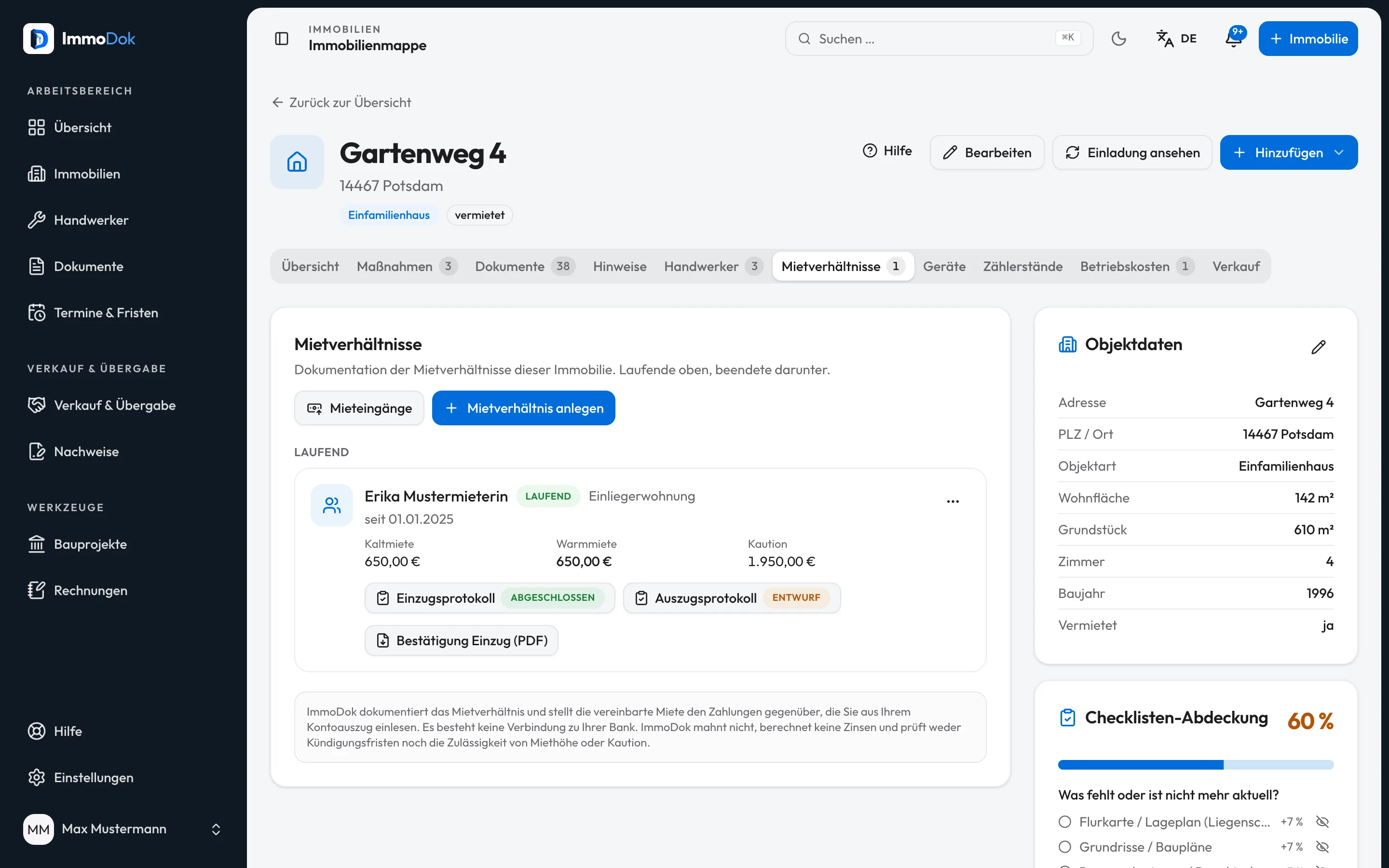
Step by step
- Open the property, then the “Tenancies” tab, then “Add a tenancy”.Running ones on top, ended ones below
- Enter tenant, unit, move-in and, if known, move-out, plus base rent, service charge advance and deposit.Move-out cannot be before move-in
- Add living area and household size if you want to settle operating costs later, and link the rental contract from the folder.Living area is the usual key, § 556a BGB
- Store the landlord’s name and address and download the landlord confirmation for move-in or move-out as a PDF.§ 19 BMG, for registering with the registration office
The result: The tenancy sits in the folder with every amount, the linked contract and the protocols attached to it.
Important: Documentation only: ImmoDok does not hold a deposit and checks neither its amount nor how it is invested. For index-linked rent ImmoDok does not calculate a new rent.
Open in the product
What if it does not work?
- The landlord confirmation cannot be generated.
- The tenancy lacks the landlord’s name and address. A move-out confirmation also needs a move-out date.
- The confirmation should come out signed.
- Store your signature in your profile and it appears on the line. Without a stored signature you sign the printout by hand.
- If I delete the tenancy, are the documents gone?
- No. Linked documents stay in the folder, only the tenancy entry is deleted.
Related guides
Move-in and move-out protocol with deposit settlementRecord rooms, meter readings and keys at the appointment, offline too, sign, complete, and settle the deposit at move-out.Preparing an operating cost statementRecord the building’s costs, split them by key and issue one PDF per tenancy, with the calculation and the deadline.Storing your own signatureAn image of your signature, so ImmoDok can put it on the documents you issue yourself – the landlord confirmation above all.