
Managing a small owners' association yourself
Units with co-ownership shares, budget, annual statement with the balance to settle, meetings, resolution register and access for the owners.
Who this is for:
Owners
Editors
2 min readUpdated: 23/09/2026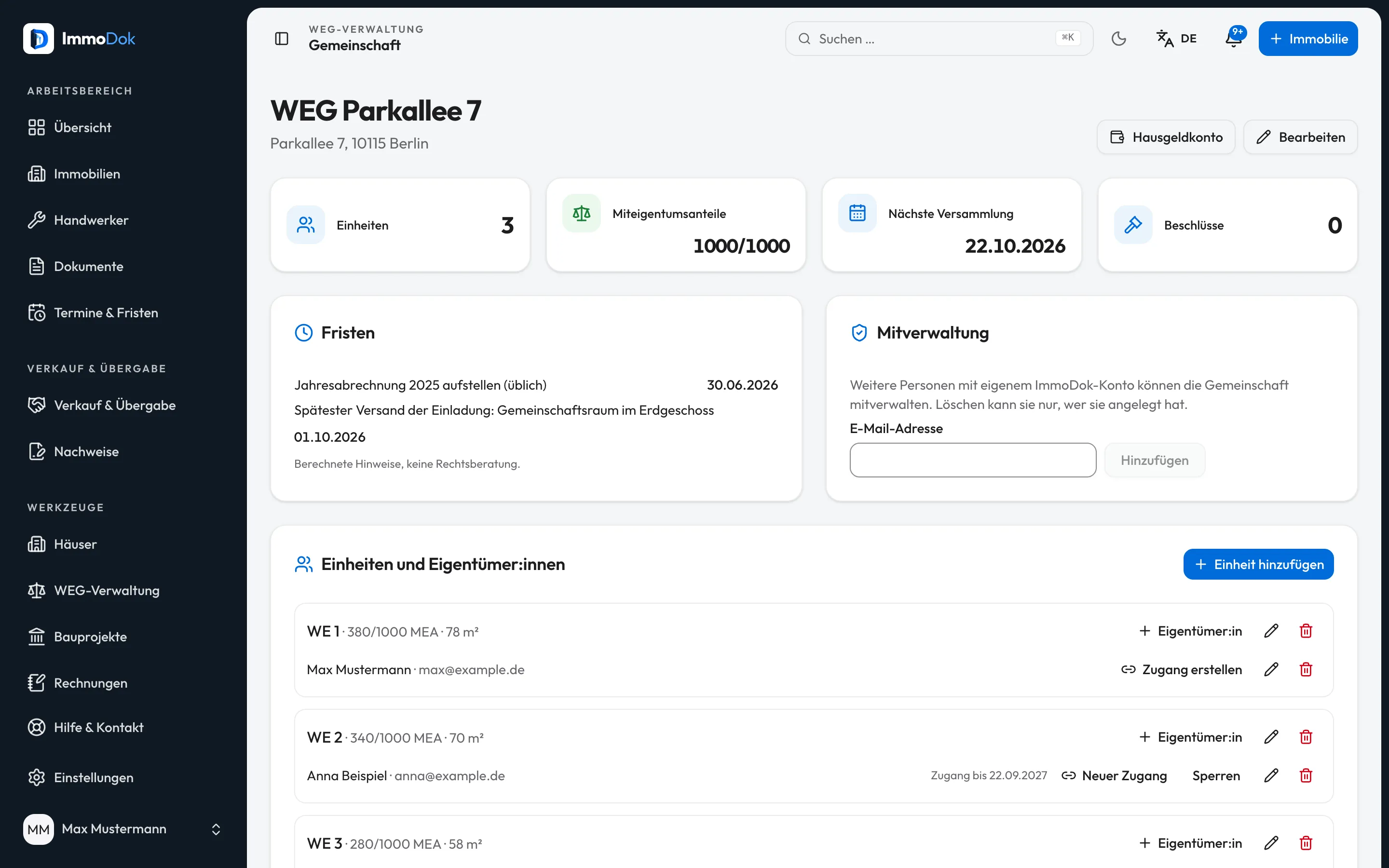
Step by step
- Under “Owners' association” add the association with its total of co-ownership shares and its account.The account should be in the association's name
- Enter each unit with its co-ownership shares and the owners with their e-mail address.Calculation starts once the shares add up
- Add the budget with cost types, keys and reserve and record it once adopted.It gives the service charge per unit
- After the year enter the actual costs in the annual statement and issue it; each individual statement shows the balance to settle.The owners resolve only on the balance
- Plan the meeting, send the invitations and file the signed minutes; record resolutions in the register.At least 21 days' notice
The result: All the association's papers in one place, and every owner sees the figures of their own unit through their access.
Important: ImmoDok calculates but does not check whether costs and keys were resolved correctly. A wrong individual statement can be challenged – check every draft before the resolution. The heating-cost statement is not included. Payments, direct debit and dunning run through the service-charge account; ImmoDok moves no money in the process.
Open in the product
What if it does not work?
- The statement cannot be calculated.
- The units' co-ownership shares do not add up to the total in the declaration of division. The association page shows how many are missing.
- The balance equals the full cost share.
- There is no budget for the year; without one the advances are zero.
- How does my individual statement reach my operating-cost statement?
- Link your unit to your folder. After issuing, “Take into operating costs” copies the apportionable shares into a draft.
Related guides
Recording owners' association resolutionsKeep your association's resolutions as an ordered copy, with costs, your share and later notes.Preparing an operating cost statementRecord the building’s costs, split them by key and issue one PDF per tenancy, with the calculation and the deadline.Working as a property manager: buildings and owner reportInvite a property manager, group several units into a building and create an owner report per year.