
Requested papers, permanent record and document transfer
The tax advisor requests what is missing for a year; you upload into each item. The permanent record keeps the purchase, the document transfer brings the receipts into DATEV.
Who this is for:
Owners
Editors
Tax advisors
3 min readUpdated: 17/10/2026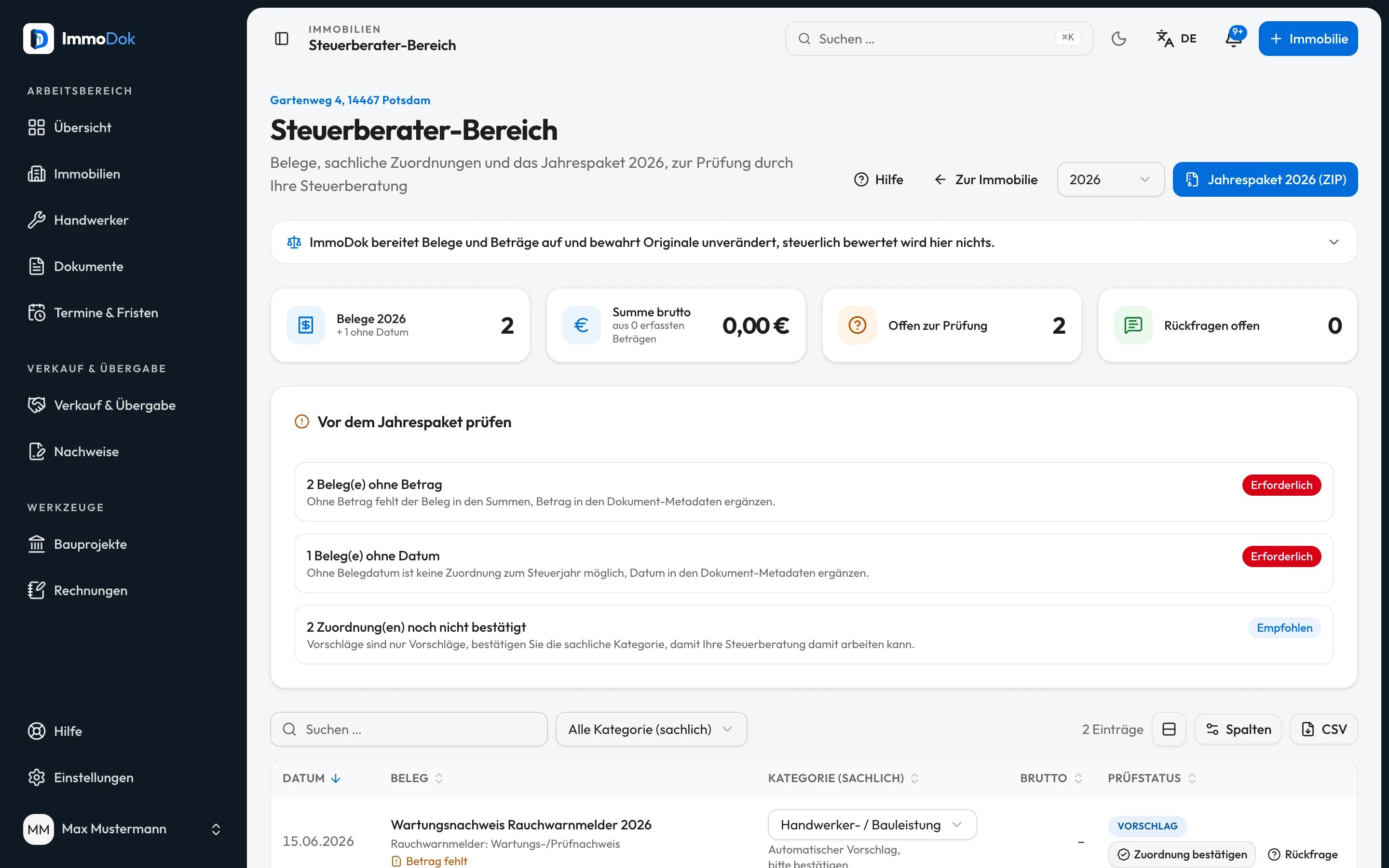
Step by step
- The tax advisor (or you on their behalf) chooses “Request papers” in the tax area: document types from the catalogue or items named freely.What is missing in the file is already ticked
- You see the list and upload into each item, link a document you already have or report “Does not exist”.The other side is notified
- The top shows how far the list has got, for example “Package 2025: 92 %”. Items done are counted.The tax advisor can reopen an item
- In the permanent record you or the tax advisor enter contract, price, split, incidental costs, depreciation basis and rate as they appear in your papers.Part of every annual package as dauerakte.csv
- In the three years after the purchase the “Purchase” card shows the cost of your measures against the building share you entered, net where you entered the net amount in the measure. From 12 % an amber note appears, above 15 % the advice to settle further orders with your tax advisor first (§ 6 (1) no. 1a EStG).Routine annual servicing can be marked “does not count” in the measure
- For firms using DATEV: “Document transfer” builds a ZIP in the XML format documented by DATEV with the year's receipts.The link comes by e-mail
The result: The tax advisor gets what they need without e-mail back and forth, and the purchase details are not asked for again every year.
Important: ImmoDok calculates no depreciation rate or purchase price split and classifies no cost for tax. ImmoDok works out the share of the first three years’ work from your figures only; check with your tax advisor whether the costs count as production costs. The document transfer is not a certified interface.
Open in the product
What if it does not work?
- A receipt is missing from the document transfer.
- The package takes receipts dated in the year with a PDF, JPG or PNG file of up to 20 MB. DATEV does not accept HEIC photos; upload them as JPG.
- Where do I keep the certificate for § 35c EStG?
- For insulation, new windows, roof or heating in a home you live in, tick “have § 35c EStG checked” in the measure. Then enter when you asked the specialist firm for the certificate and upload it as a document of the measure. If it is still missing four weeks after completion, the maintenance plan proposes a task. Check with your tax advisor whether the measure qualifies.
- I cannot request anything.
- Owners, editors, property managers and tax advisors can request. Only the owner side uploads into an item.
Related guides
Exporting the yearly package for the tax advisorOne calendar year, one package: all original receipts, receipt lists as CSV, a PDF summary and a manifest with checksums.Inviting your tax advisorA dedicated role with read access and review functions: your tax advisor sees receipts and yearly summary without being able to change anything.