
Signing the protocol
Two roads to evidence, both signed by hand: in the signature field on the device, or on the printout with an uploaded scan.
Who this is for:
Owners
Buyers
2 min readUpdated: 02/09/2026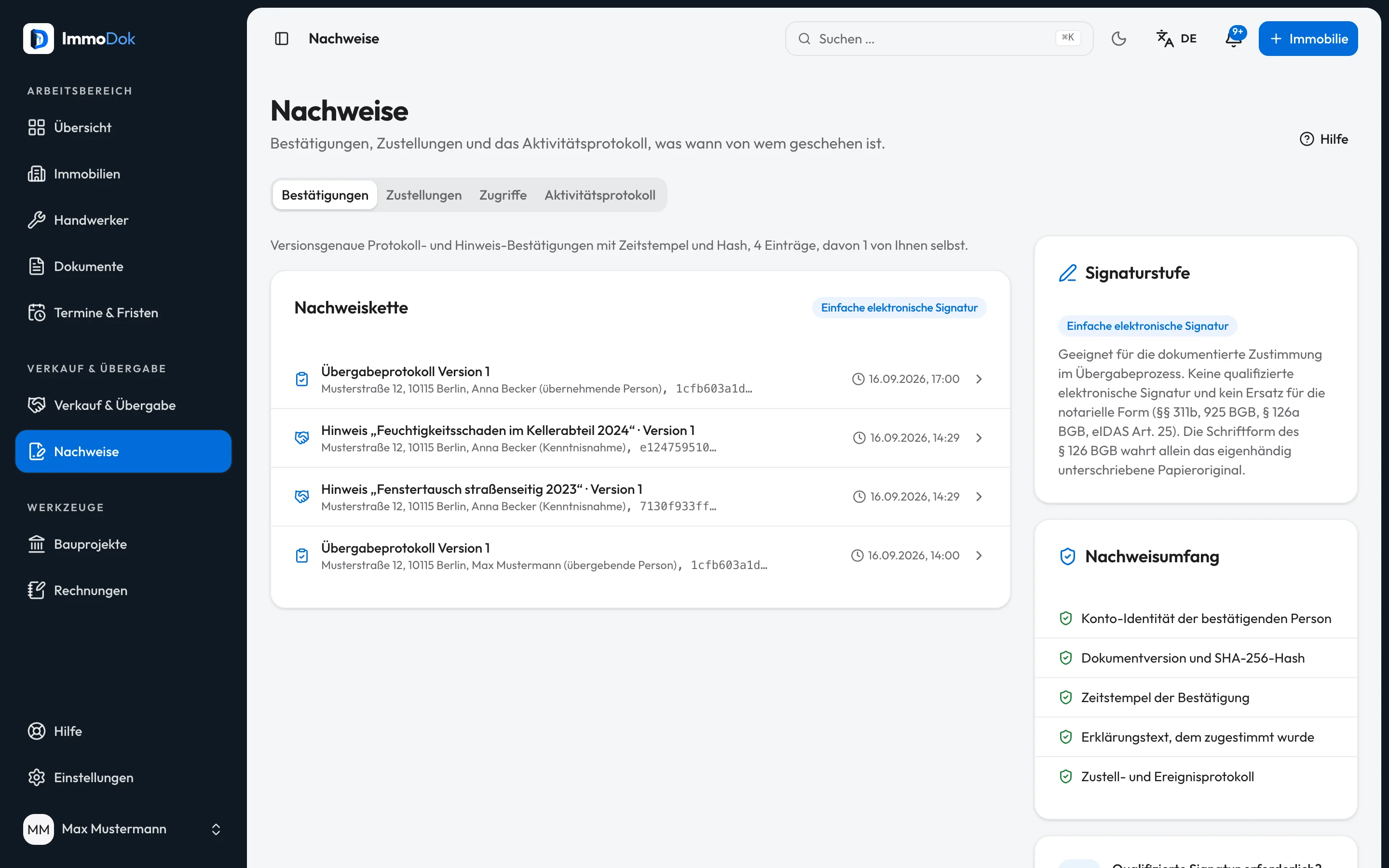
Step by step
- On the device: sign in the signature field, with a finger, a stylus or the mouse.The strokes, a timestamp, the checksum and the declaration text are recorded
- On paper: print the copy with signature lines and sign by hand at the appointment.The paper original governs
- Upload the scan of the signed original, it is stored with its own checksum.Signature date and name as signed
- The second party confirms the scan in their own account (countersigning).So the evidence does not rest on one person's word
- Check the state in the confirmations overview: who, when, which version, which checksum.Pending confirmations are listed too
The result: Both sides have demonstrably signed the same, unchanged protocol version, on the device or on paper.
Important: Neither road is a qualified electronic signature, and neither replaces a notarial deed. They document the practical handover, not the transfer of ownership.
Open in the product
What if it does not work?
- The other side cannot find the confirm button.
- Only a participant of the handover signed in with a verified account can confirm. Check the handover's participant list.
Related guides
Generating the handover protocolFreezing turns the working state into an immutable protocol version with SHA-256 checksum and PDF, the copy both sides confirm.Correcting a frozen protocolCorrection without cover-up: while both sides have not yet confirmed, a new version is created. Afterwards the protocol stays untouched and an addendum records the correction.Understanding legal and tax boundariesImmoDok documents facts and organises access. What the product deliberately does not do, and who is responsible instead.