
Setting up a buyer data room
Prospective buyers first see a summary; full access follows only after the confirmed takeover, every step is logged.
Who this is for:
Owners
Buyers
2 min readUpdated: 21/09/2026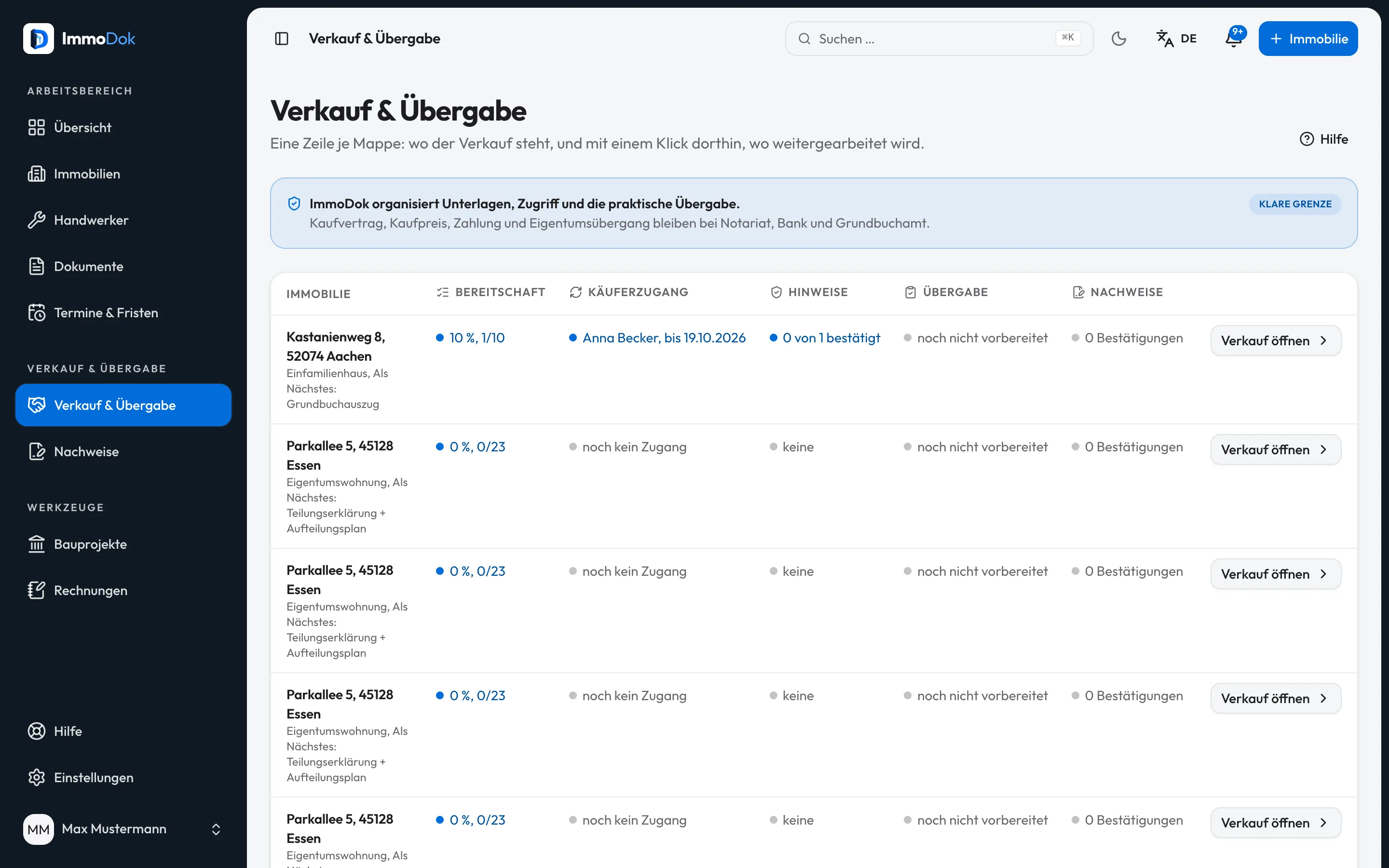
Step by step
- Start the transfer from the property: the buyer's name and e-mail are enough.Folder holders only
- Hand over the one-time link or QR code. It is personal and expires automatically.Regenerating invalidates the old link
- The buyer registers and sees the preview: key facts and the file's scope, without documents and photos yet.Published disclosures count as delivered
- After acknowledging all disclosures and paying, the buyer reads the whole folder. With "Hand over folder" they become its holder. You keep an archive: your evidence for good, the documents handed over for five years from the hand-over.Without payment it stays a preview
- Follow everything in the sales area: opens, deliveries, acknowledgements, status."Data room" and "Communication" tabs
The result: A controlled data room with evidence: who was invited when, what was delivered, and when full access began.
Important: What transfers is the digital folder: access rights to data. On a sale, ownership of the property only changes with the conveyance (Auflassung) and the land-register entry; on inheritance it passes by law and the land register is corrected.
Open in the product
What if it does not work?
- The link expired or got lost.
- Regenerate the access in the sales area; the old link becomes invalid, the evidence of previous steps remains.
- The buyer sees no documents.
- That is the preview role: full access exists only after confirmed payment. The preview states honestly how much the file holds.
Related guides
Delivering material disclosuresCommunicate important facts, known defects, say, explicitly, and prove acknowledgement version-exact, instead of leaving them in a folder.Preparing a handoverSet appointment, place and participants and outline the scope, the shared basis for the handover appointment.Sharing access: roles and invitationsWho sees what: four roles from full access to preview, personal invitations with expiry, revocable at any time.